
HR questions → one portal
HR spends the day answering the same questions and chasing paper.
How many leave days do I have? Can I get a salary letter? Where is the policy on travel? In a growing company, these questions arrive by phone, chat and email, and each answer takes someone's time. An employee portal puts the answers and the requests in one place: employees see their own information, request leave or letters on a form, find policies and documents, and read company news; managers approve in a click; and HR sees every request with its status instead of chasing it across inboxes.
Who this is for
- Companies of 30 to 500 people without an HR system
- Teams spread across sites, branches or shifts
- HR teams handling requests by email and paper
- Companies onboarding new staff every month
This is how it works today.
Each box is a moment where the work waits for a person. Keep scrolling and we will take out the ones a system can carry.
A leave request today
By hand today: 5 steps
- The employee asks HR how many days are leftThe balance is on their own page
- They fill a paper or emailed formThe request is sent from the portal
- The manager approves when they see itThe manager is notified and approves in a click
- HR updates the balance in a spreadsheet
- The team learns about it on the dayA shared calendar shows who is away
What we would build
- 01
A page for each employee
Their details, contract dates, leave balance and documents, visible to them and to HR only.
- 02
Requests and approvals
Leave, salary letters, equipment or anything else HR handles, each with its form and approval steps.
- 03
Policies and documents
One searchable place for policies, templates and guides, in Arabic and English, always the current version.
- 04
Onboarding checklists
Each new hire gets a checklist: documents to submit, accounts to open, people to meet, training to finish.
- 05
Company news
Announcements that reach everyone, including staff without a company email, on their phones.
Why it matters
In a company of fifty or more, HR questions are constant, and most of them have a simple answer that already exists somewhere. When that answer needs a person, HR becomes a help desk, managers forget approvals, and employees feel ignored when a request disappears into an inbox. A portal turns these into self-service and tracked requests. Employees get answers at any hour, managers see what waits on them, and HR gets its time back for the work that needs judgement, such as hiring and solving real problems. Requests stop depending on who happened to be at their desk when the message arrived.
What to build first
Start with the two requests HR handles most, often leave and letters, plus the policy library, because they remove the most questions for the least effort. Load the real leave balances before launch so employees trust what they see on day one. Then add onboarding checklists, equipment requests and announcements. Payroll and attendance are larger topics; the portal can show their results or connect to the tools you already use for them, and we decide that together rather than rebuilding everything at once. Keep the first screens simple enough that staff use them without training.
What it takes
Effort depends on the number of request types, how leave rules work in your company, how many sites and approval levels you have, and whether the portal must connect to payroll, attendance devices or a sign-in your staff already use. Employee data is personal, so access rules and hosting are agreed early and in writing. NOVA starts with a session with HR on the current requests and rules, then builds in milestones, with HR testing each part before staff see it. After launch, NOVA stays on for care, so new policies, request types and sites can be added as the company grows.
See how it could look
A quick concept from the Studio, built from NOVA's templates. Your real design is made with you.
Open in the StudioWork that shows how
- Learning platform
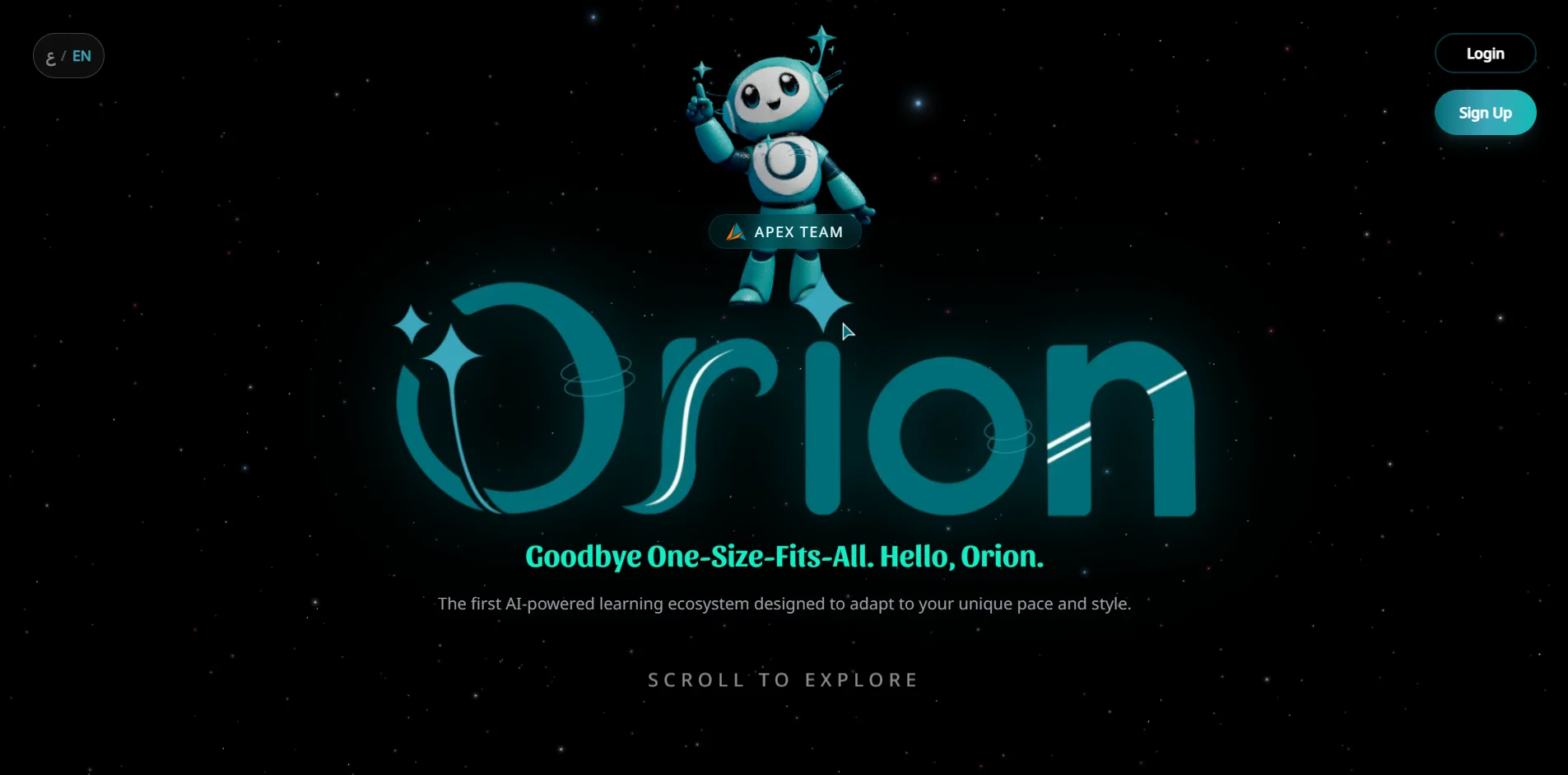
Orion
A plan for every student, and a clear view for every teacher.
Case file →Visit site (opens in a new tab)
Questions
Can staff without a computer use it?
Yes. The portal works on phones, and employees can sign in with a phone number if they have no company email.
Does it replace our payroll system?
Not necessarily. It can show payslips and connect to the payroll you use; whether to build payroll is a separate decision.
Who can see an employee's information?
Only the employee, HR, and the managers you allow, and every view of sensitive data can be logged.
Can it follow our own leave rules?
Yes. Leave types, balances and carry-over follow your rules, which we write down with HR before building.
Sounds like your week?
Tell us how the work happens today. A person from NOVA reads every brief and answers.